


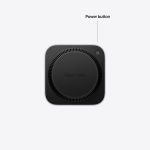

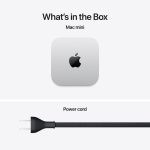
Compact Design, Powerful Performance
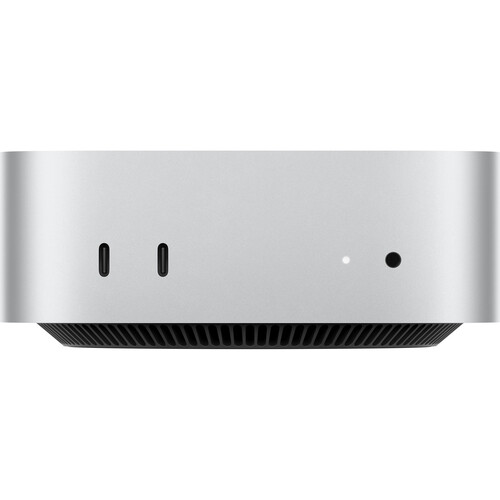
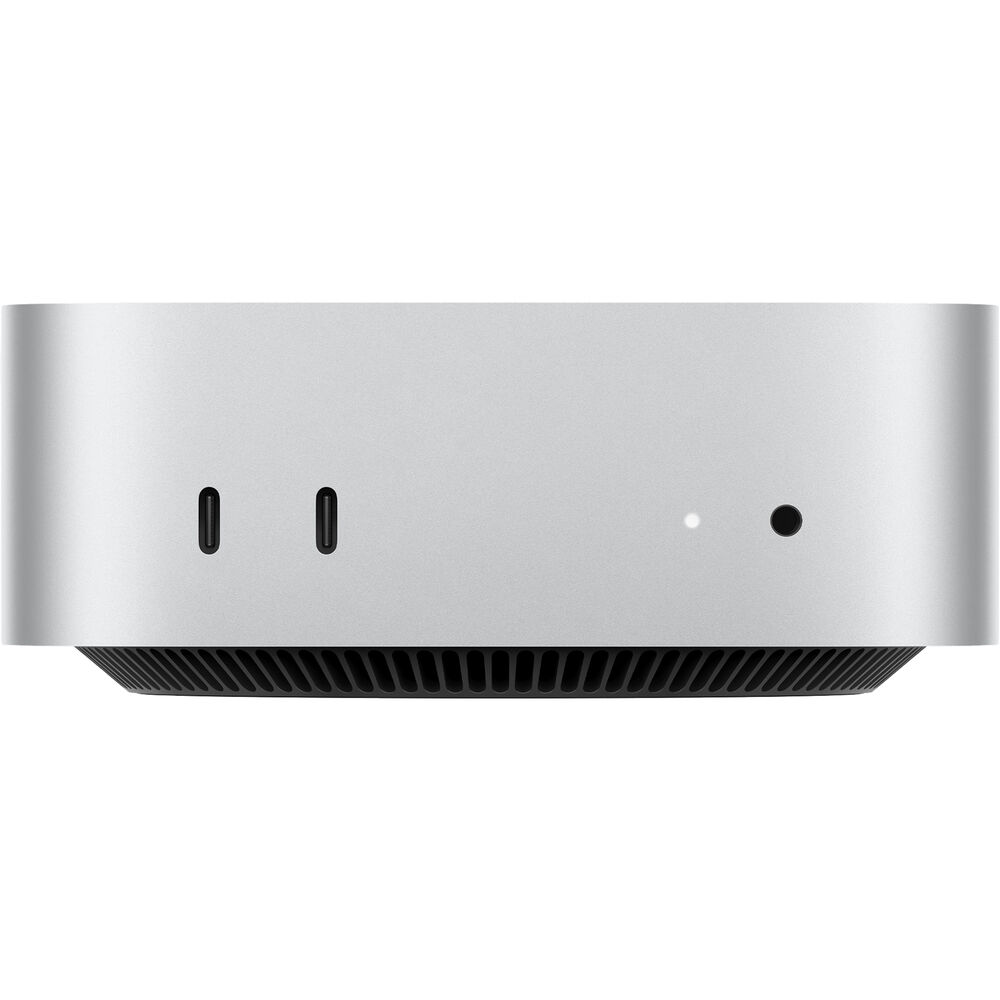
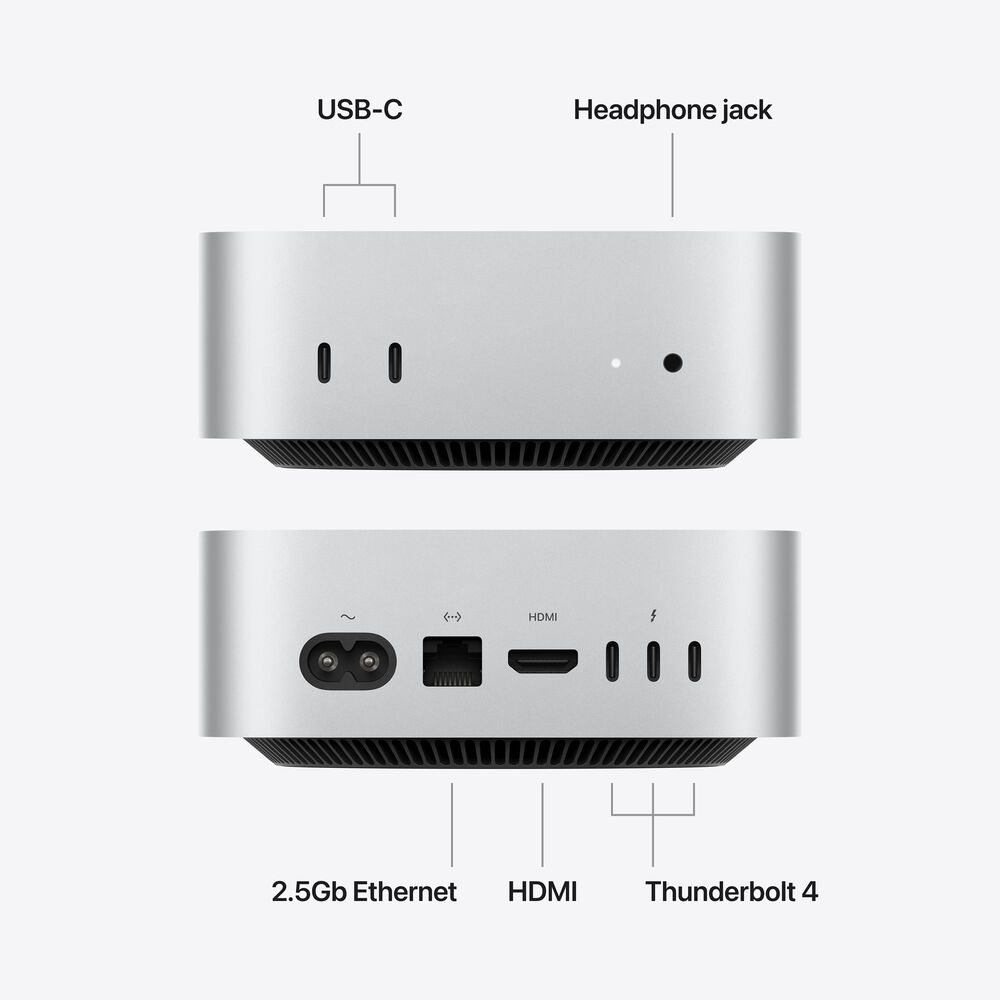
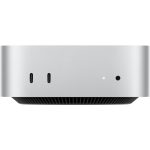
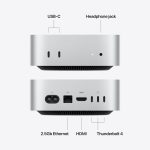
Measuring just 5 x 5″, the Apple Mac mini combines a compact, lightweight design with the performance of Apple Silicon and the M6 chip. Its small footprint makes it easy to move, mount, or rack, while a wide selection of front and rear ports provides flexible connectivity for displays, storage, networking, and accessories. This configuration includes a dual 16-core Neural Engine, Wi-Fi 7, 2.5 Gigabit Ethernet, Thunderbolt 4, USB-C, and HDMI.
M6 Performance
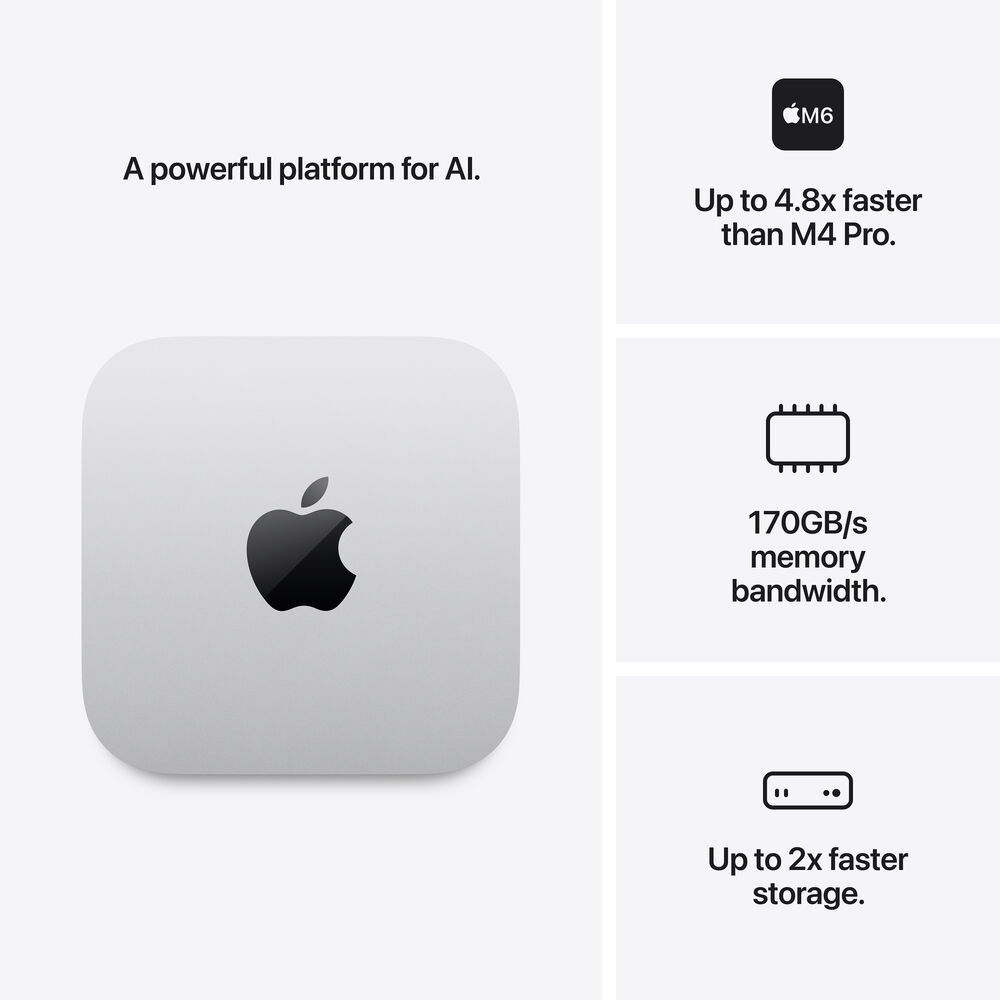
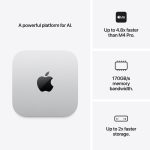
The M6 chip features 12 CPU cores for responsive performance across everyday tasks and demanding workloads. Its 12-core GPU includes hardware-accelerated ray tracing for enhanced graphics performance in applications ranging from gaming to 3D modeling. Neural accelerators integrated into the GPU cores also help accelerate on-device AI models and supported AI-powered photo and video editing features. The M6 delivers up to 4.8x faster performance than the M4 model.
Productivity
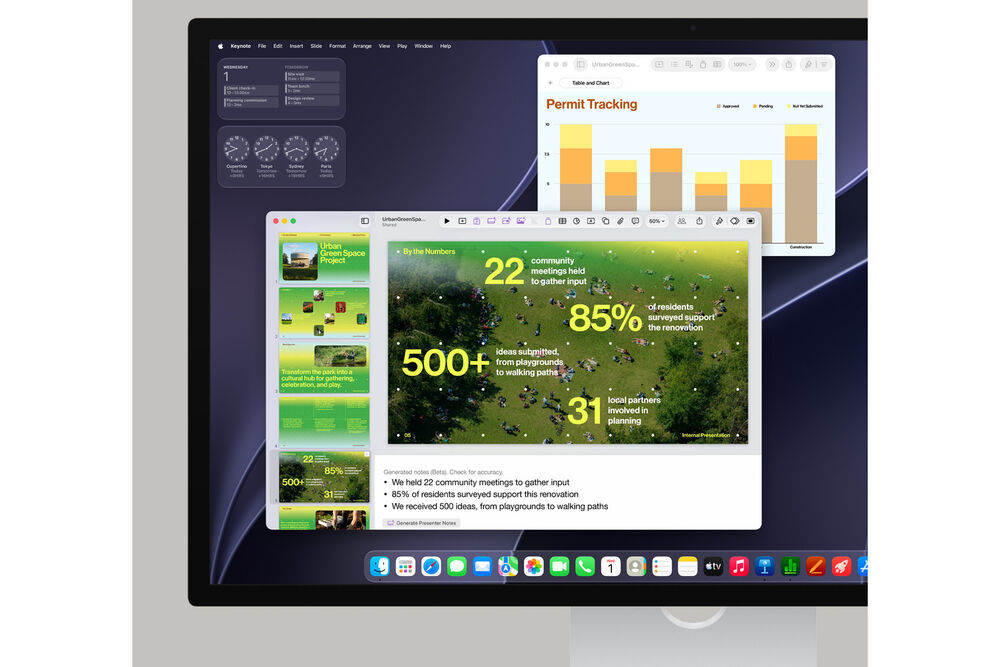
Mac mini provides the performance needed for everyday productivity, multitasking, and collaboration across multiple applications. Work with Microsoft 365, Google Workspace, WhatsApp, Canva, Notion, Keynote, and other popular applications, or use compatible AI software to create and work with your own AI agents.
Creativity
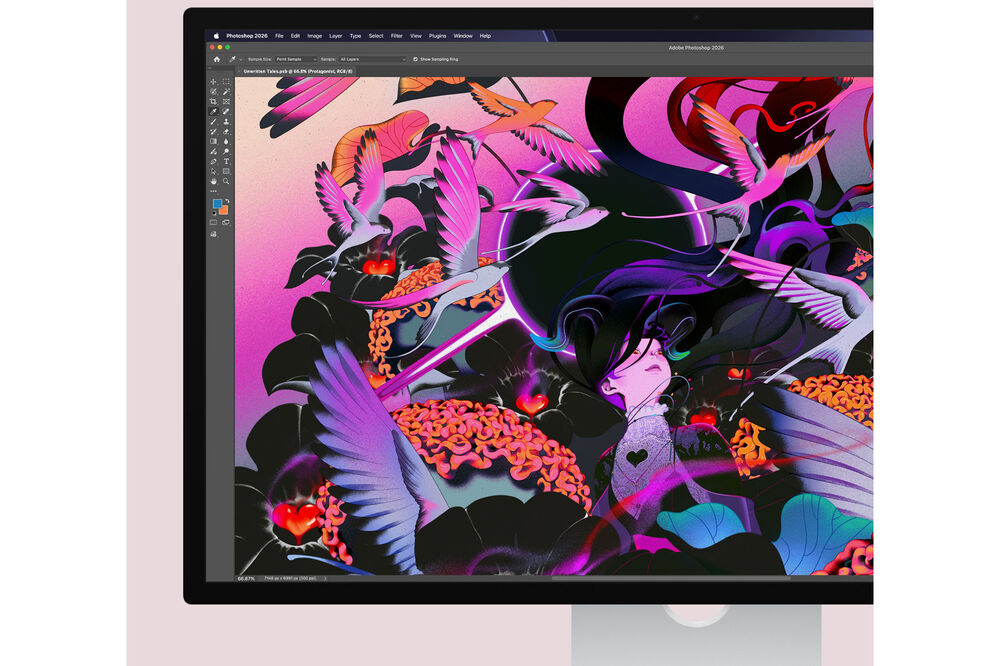
The M6-powered Mac mini supports a wide range of creative workflows. Edit video in Final Cut Pro, create and mix music in Logic Pro, build 3D models in Blender, perform AI upscaling in DaVinci Resolve, or design graphics and edit images in Adobe Photoshop.
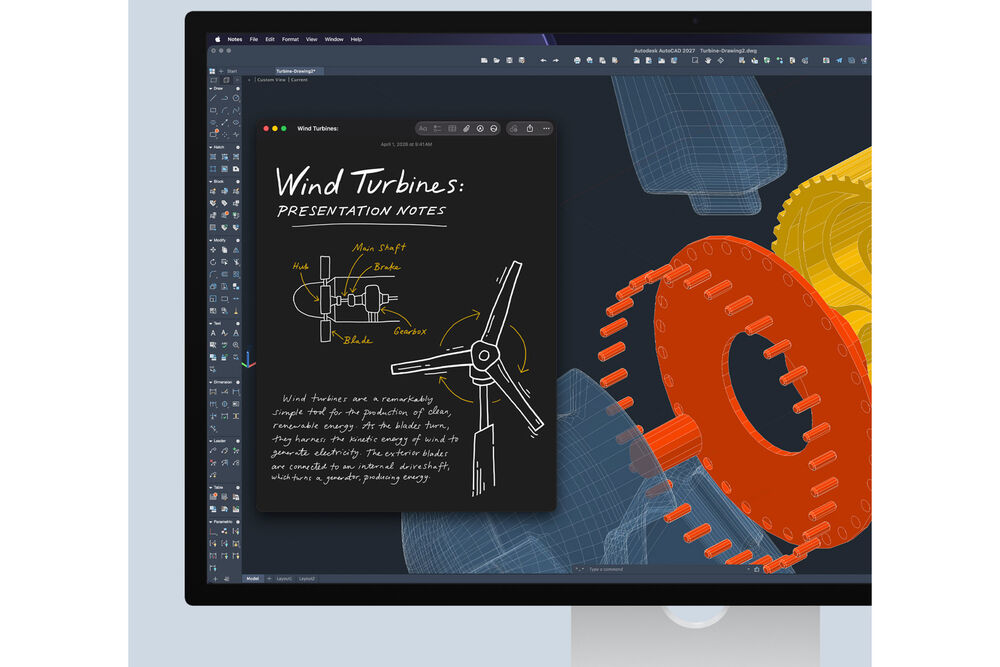
STEM
Mac mini can handle demanding STEM workflows, including analyzing large datasets in MATLAB and creating 2D and 3D models in Autodesk AutoCAD. Multiple Mac mini systems can also be combined for workloads involving AI agents and other computational tasks.
Coding
Mac mini provides a capable platform for software development with Xcode and compatible on-device AI models. AI coding agents such as Claude Code and Codex can assist with development workflows, while the M6 provides the performance needed to build and test applications across multiple simulators.
AI Performance
Mac mini is designed to support a broad range of AI workloads, from running on-device models to developing and using AI agents. The M6 combines dedicated processing capabilities with Apple software and ecosystem support to provide a platform for AI applications while maintaining fast, responsive performance.
Agentic AI
Mac mini supports AI agents designed for tasks ranging from personal workflows to business applications. Its on-device processing capabilities enable fast and private inference, while a growing ecosystem of compatible tools provides additional ways to create and use AI agents.
AI Apps on Mac
Mac mini is optimized for a wide range of AI applications, including agentic software, large language model applications, and photo enhancement tools. Compatible applications include Claude Cowork, OpenClaw, Ollama, LM Studio Bionic, and Topaz Photo.
AI Features in Apps
AI capabilities are also available within supported applications. Pro Tools can use local speech-to-text transcription to help locate recordings, while Adobe Photoshop provides AI-powered tools such as Generative Fill for making complex image modifications.
Apple Intelligence and Siri AI
Apple Intelligence provides tools designed to help with writing, organization, communication, and everyday tasks. Features can help turn notes into organized content, locate older edits using descriptions, and use Visual Intelligence to gather information about locations and objects. Siri AI provides richer answers, more natural conversations, and a dedicated app.
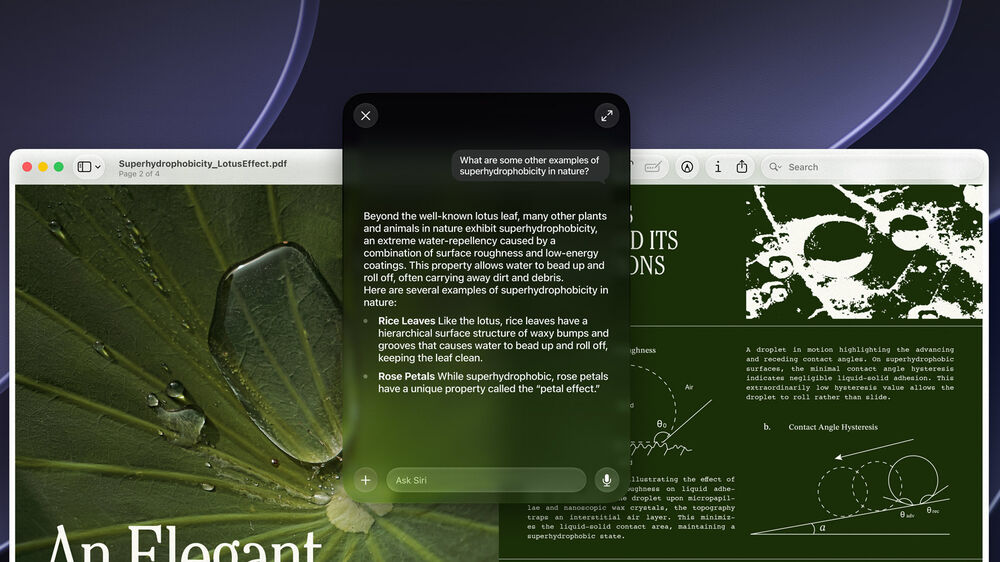
Siri AI
Siri AI is designed to provide a more conversational and capable assistant through Apple Intelligence. You can interact with Siri using natural language, write and edit text, and use Visual Intelligence to learn more about information displayed on your Mac.
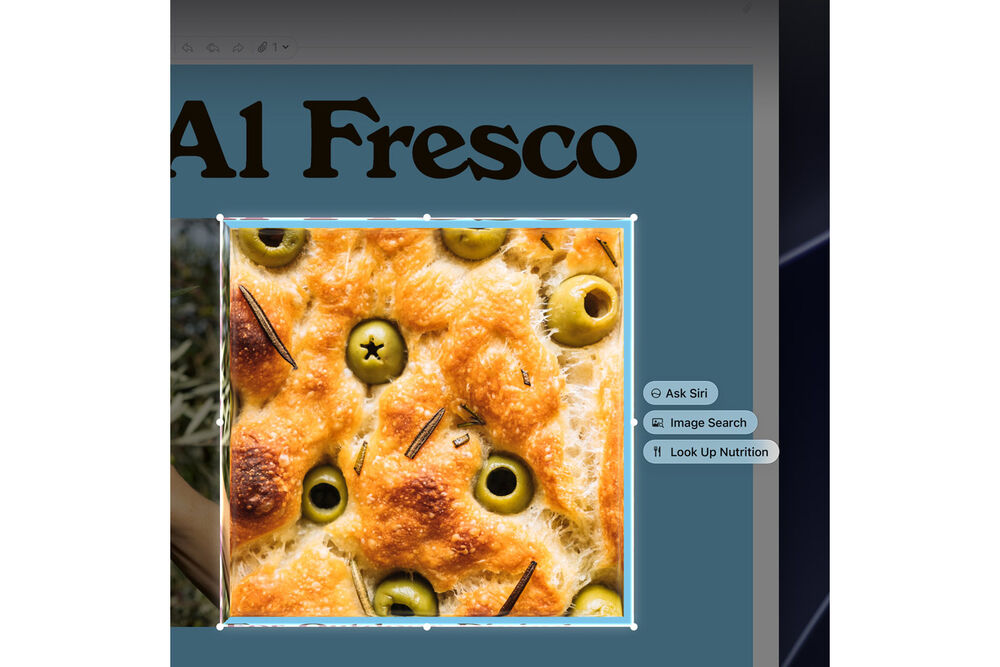
Visual Intelligence with Siri
Visual Intelligence with Siri allows you to ask questions about information displayed on your Mac. A dedicated keyboard shortcut provides quick access to visual searches and actions, such as adding multiple events to your calendar.
Privacy
Apple Intelligence and Siri AI are designed with privacy in mind. On-device processing allows Apple Intelligence to work with personal information without collecting that information. Private Cloud Compute can provide access to larger server-based models while keeping personal data inaccessible to Apple and other parties.
macOS and Built-In Apps
Mac mini includes built-in applications along with the privacy and security features of macOS. The operating system provides a responsive environment for applications such as Microsoft Word, Excel, Outlook, Slack, Adobe Photoshop, and other productivity and creative software.
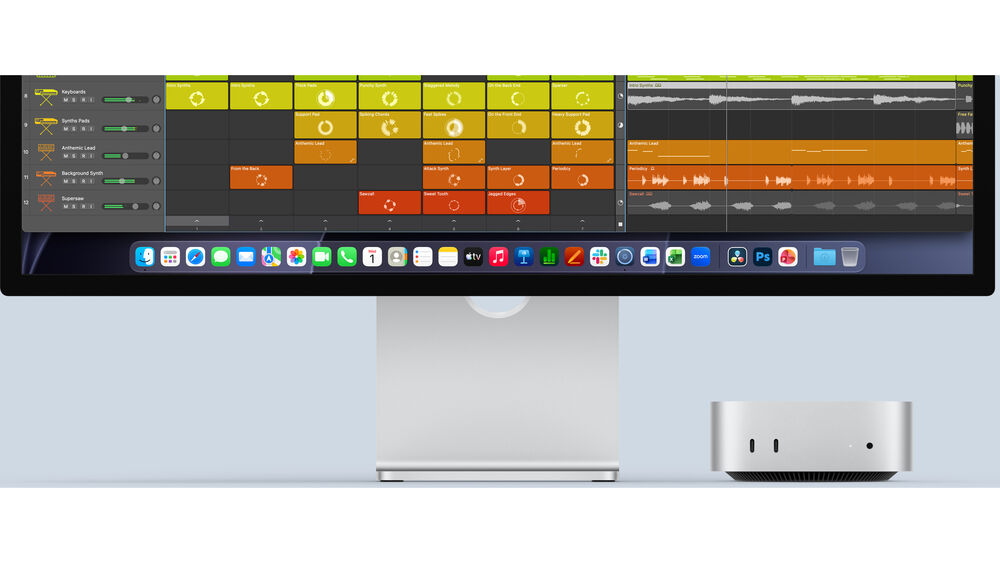
Mac and iPhone Integration
Mac mini works with iPhone to provide a connected experience across devices. You can make calls from the Phone app on your Mac, use your iPhone as a webcam or document scanner, and access your iPhone wirelessly through iPhone Mirroring.
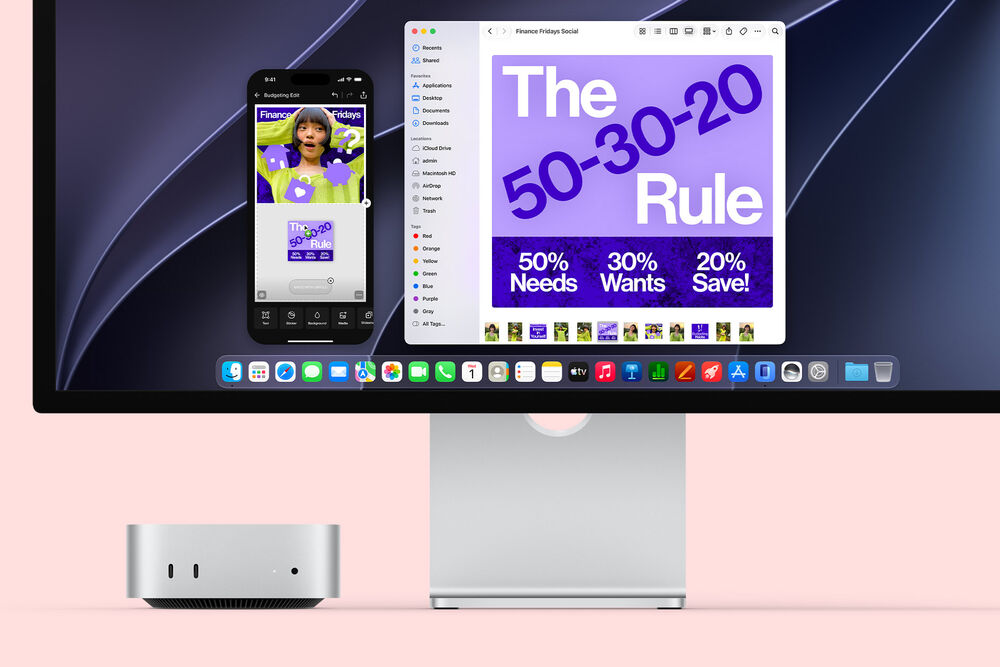
iPhone Mirroring
iPhone Mirroring lets you view and interact with your iPhone directly from your Mac without needing to reach for the phone. This provides convenient access to iPhone applications and content while working at your Mac.
AirDrop
AirDrop lets you wirelessly transfer photos, files, documents, and other content between your iPhone, Mac, and nearby Apple devices.
Universal Clipboard
Universal Clipboard allows you to copy text, images, photos, and videos on your iPhone and paste them directly onto your Mac, or copy content from your Mac and paste it on your iPhone.
Flexible Setup
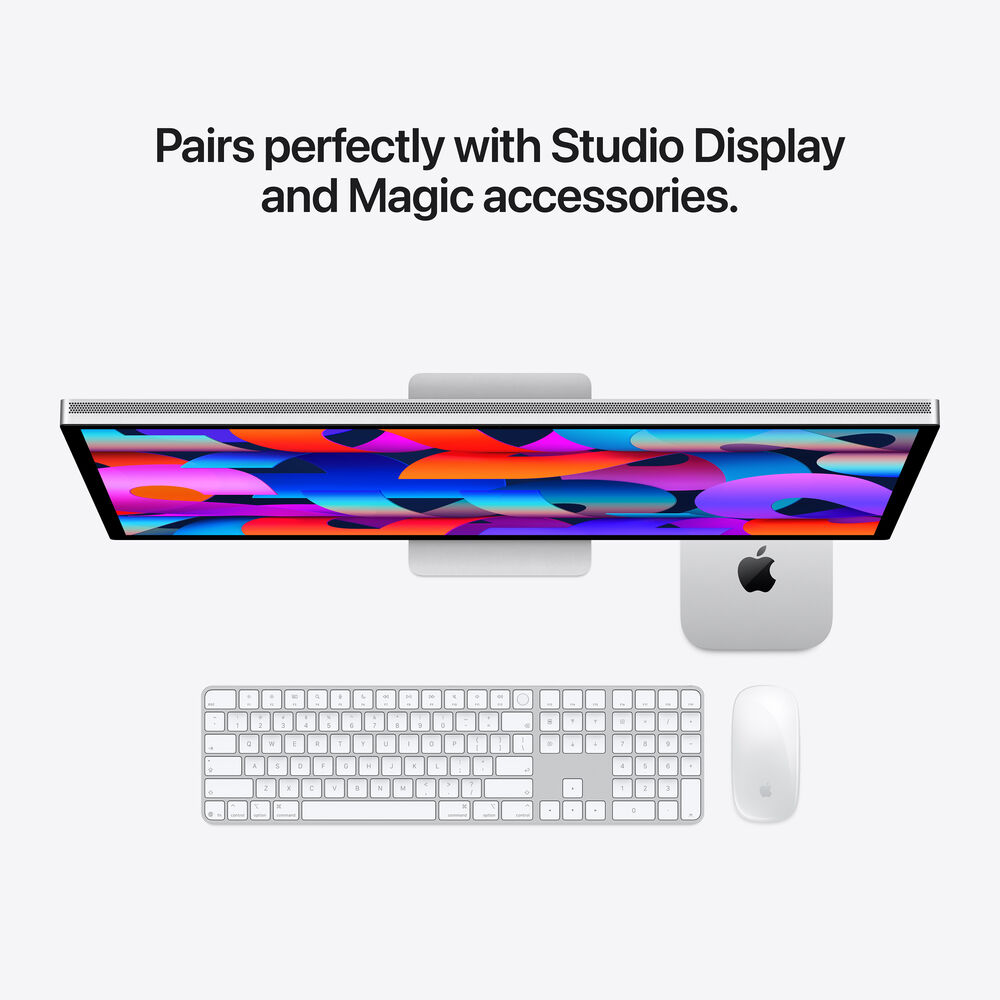
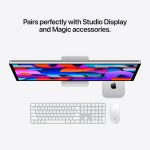
Mac mini is designed to work with Apple’s Studio Display, Magic Keyboard, and Magic Mouse, while also supporting displays and accessories you already own. Its compact design allows you to build a setup around the peripherals and displays that best fit your workflow.
Compared to Mac mini with M1
Compared with the M1 Mac mini, this model has a footprint less than half the size, adds front and rear connectivity, provides faster wireless networking, and delivers up to 10.3x faster graphics performance for 3D rendering.
Compared to Mac mini with M2 Pro
Compared with the M2 Pro Mac mini, this model has a footprint less than half the size and provides Thunderbolt 4 and 2.5 Gigabit Ethernet connectivity. It also delivers up to 4.5x faster GPU performance.